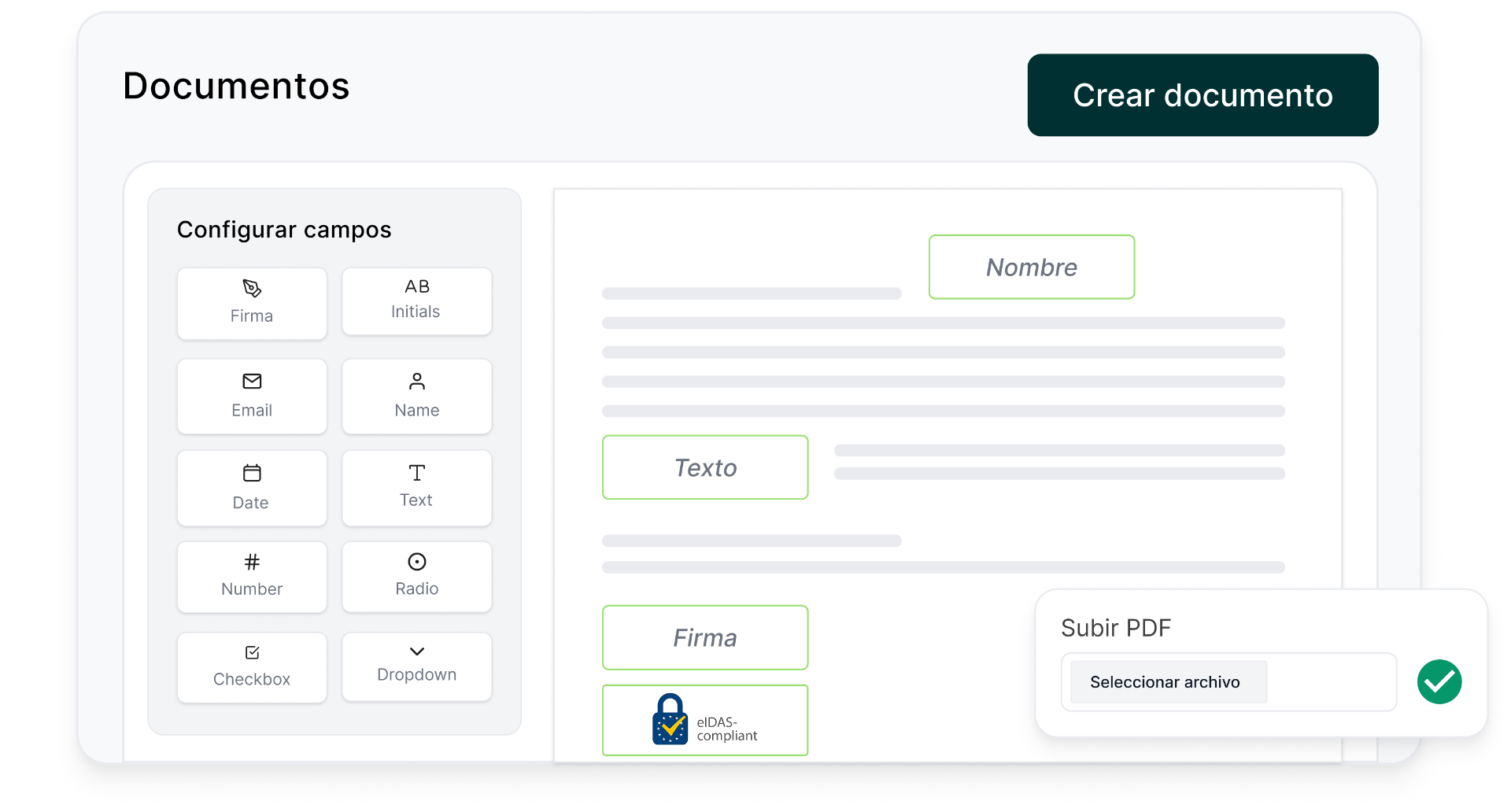
I've written before about how Lueira's booking engine works, how we built it multi-tenant from the start, how the WhatsApp AI agent now handles a chunk of our customers' bookings, and how we quietly absorbed Spain's Verifactu e-invoicing rules so the schools using Lueira don't have to think about them. This post is about a smaller feature that turned out to be more interesting than it looked on paper: Documentos legales, Lueira's tool for creating custom digital documents — liability waivers, rental agreements, course terms and conditions — and getting customers to sign them with what we advertise as "firma eIDAS con validez legal": an eIDAS signature with legal validity.
eIDAS (electronic IDentification, Authentication and trust Services) is the EU regulation that sets the rules for electronic signatures and trust services across member states. Most people who've heard of it know it exists; fewer know it doesn't define one kind of electronic signature, it defines three, with genuinely different legal weight. Building a signing feature on top of it means making a real decision about which of those three you're offering, for which document, and that decision turns out to say a lot about the product.
1. Not every document needs the same signature
eIDAS sets out three tiers. At the bottom, a simple electronic signature is barely a signature at all in the everyday sense — typing your name at the end of an email, ticking an "I agree" box. It's evidence of something, but weak evidence. In the middle sits the advanced electronic signature (AES): it has to be uniquely linked to the signer, capable of identifying them, created using means the signer can keep under their sole control, and linked to the document in a way that makes any later change detectable. At the top is the qualified electronic signature (QES), which EU law treats as legally equivalent to a handwritten signature across every member state. Getting there requires a qualified certificate from an accredited trust service provider, and typically a qualified signature-creation device — machinery that exists for a reason but that most small businesses will never touch directly.
The temptation, when you're building this into a product, is to pick one tier and use it everywhere — either the cheap, frictionless one because it's easy to ship, or the expensive, bulletproof one because it feels safer. Neither is right. A liability waiver before a two-hour canyoning trip and a contract for renting out a season's worth of ski equipment worth several thousand euros are not the same document in any sense that matters legally. Which tier fits which document is a genuine product decision — it depends on what's at stake, what a school's insurer expects, and in plenty of cases, what the school itself is comfortable with for its own risk tolerance. We don't pretend there's a universal answer; we built the feature so a school can create different document types and reason about that trade-off per document rather than being locked into one signature model for everything.
2. Fast enough for someone standing at the counter
Here's the part that's easy to get wrong from a purely legal reading of eIDAS: none of this matters if nobody actually signs the document. The realistic setting for most of these signatures isn't someone at a desk with time to read six pages of terms. It's a customer standing at a rental counter with a wetsuit already half on, or scrolling through a form on their phone in the van on the way to the put-in point, fifteen minutes before a rafting trip starts. If the signing flow feels like closing on a mortgage, two things happen: people either bail on the booking, or — worse for the school — they blow through it without reading a word, which quietly undermines the whole point of having a waiver.
So the honest tension in this feature isn't "legal versus illegal," it's legal robustness versus a flow that respects the fact that nobody in this context is going to read fine print the way a lawyer would. That pushes you toward the advanced tier for most of these customer-facing documents rather than the qualified one: AES gives you a signature uniquely tied to the signer and tamper-evident content, without requiring the signer to already hold a qualified certificate — something essentially no leisure customer walking up to a rental counter will have. The qualified tier makes sense for higher-value, lower-frequency situations, not for a waiver that a school might need forty people to sign on a busy Saturday morning.
3. What actually matters if a waiver is ever challenged
The part of this feature that took the most thought wasn't the signature itself — it was everything around it. If a waiver is ever challenged after an accident, a court or an insurer isn't just looking at whether a signature exists. They're looking at evidence, and that evidence has to answer four separate questions, each of which can fail independently of the others.
Who signed it: proof of identity, tied to a specific person, not just "someone on this device." What was signed: proof that the document a court is looking at is the exact version the customer saw and agreed to — not a version the school edited afterward to tighten a clause. That means versioning documents and binding the signature to a specific, immutable copy of the content. When it was signed: a reliable timestamp, ideally one that predates the activity. And, easy to overlook: proof of intent — evidence that the signer had a genuine opportunity to see and read the document, rather than a checkbox that was pre-ticked.
Getting all four right, consistently, for every document a school generates, is not something a small operator has the time or legal background to build for themselves — which is really the same story as the e-invoicing post from a different angle. There, the platform was absorbing tax law so a shop owner didn't have to become an expert in Verifactu. Here, it's absorbing evidentiary and contract law so the same owner doesn't have to become an expert in what makes a signature defensible.